Google Search
Reach shoppers searching on Google, including eligible vehicle ad formats.
GOOGLE ADS FEED
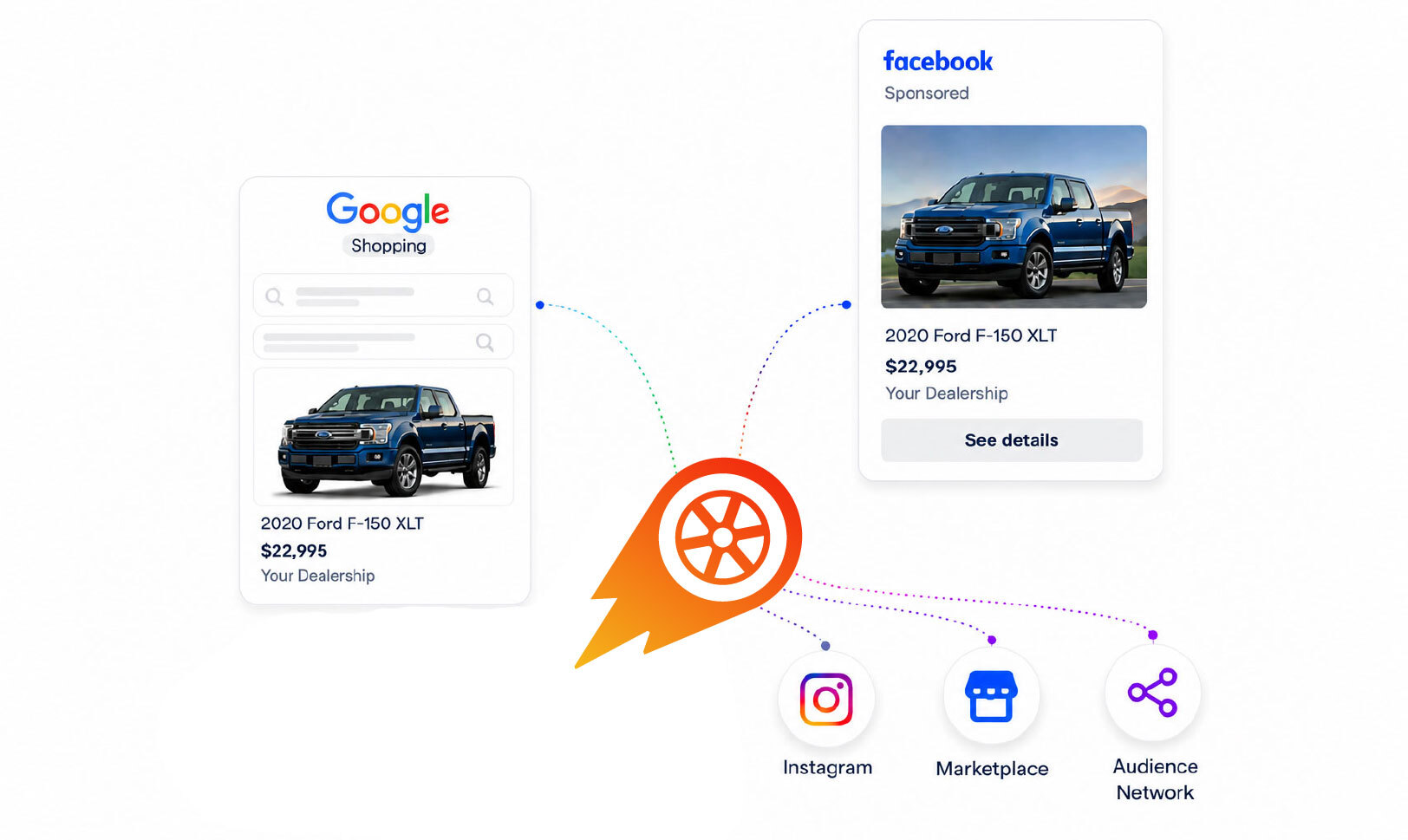
Connect your inventory to Google vehicle advertising. Put vehicle details, prices, photos, and website links to work as shoppers research their next vehicle.
From $100/month per rooftop. Advertising spend is additional.
GOOGLE PERFORMANCE MAX CHANNELS
A Performance Max campaign can reach shoppers across Google Search, YouTube, Display, Discover, Gmail, Maps, and eligible search partners. Your actual reach depends on the campaign’s assets, vehicle eligibility, settings, and available inventory.
These are Performance Max channel groups. Each can contain different ad formats; vehicle ads and Shopping-style formats are not separate channel guarantees.
Reach shoppers searching on Google, including eligible vehicle ad formats.
Video and other eligible YouTube ad formats, depending on campaign assets.
Eligible partner websites and apps, using supported image, video, or feed-based formats.
Visual ads in Google’s personalized discovery feed, where eligible.
Eligible advertising within Gmail accounts.
Map-based discovery, including eligible Waze inventory where supported.
Eligible partner search surfaces within Google’s Search Network.
A feed-only vehicle campaign generally starts with Google Search. Wider Performance Max delivery can require additional text, image, or video assets. Google is also rolling out feed-based Display support for eligible advertisers, so availability can differ by account and market.
We’ll review the campaign setup and required assets with you. A Google feed subscription does not guarantee delivery across every Performance Max channel.
Sources: Google’s Performance Max channel definitions and vehicle ads guidance. Advertising spend is additional.
Discuss your Google advertising setupTHE INVENTORY CONNECTION
A Google vehicle inventory feed supplies structured information about your vehicles for Google vehicle advertising. It connects details such as make, model, price, photos, and vehicle page links with the advertising workflow.
Considering a Shopping campaign? Read our Standard Shopping vehicle ads guide to prepare your inventory, responsibilities, and measurement plan.
YOUR INVENTORY CONNECTION
We work with your DMS or inventory feed provider to integrate vehicle details, prices, photos, and links into LotFlare. That inventory powers your advertising feeds and the other solutions you choose.

MAKE EVERY VEHICLE COUNT
Build your inventory advertising around the cars, trucks, and SUVs your dealership has available.
Link interested buyers to the matching vehicle page so they can look closer and contact your dealership.
Use inventory data to support changing vehicle information instead of rebuilding every vehicle ad by hand.
CONNECTED FROM INVENTORY TO ADVERTISING
Use specifications, pricing, mileage, and photos to support ads that introduce shoppers to a specific vehicle.
Send shoppers to the relevant vehicle page. Keep the next step connected to the vehicle that caught their attention.
New arrivals, updated prices, and inventory changes need to reach your advertising data. LotFlare supports inventory syncing and ongoing feed management.
Ad delivery depends on campaign configuration, platform approval, audience settings, and budget. Updates appear after feed generation and platform processing.
THREE STEPS TO YOUR NEXT CAMPAIGN
Complete onboarding so LotFlare can use your vehicle information and website links.
Connect the required Google assets and configure campaigns around your dealership, audience, and budget.
Use the feed to support vehicle advertising, then review available campaign activity and performance.
MORE WAYS TO REACH SHOPPERS
Add Meta Ads Feed to support paid Facebook and Instagram vehicle campaigns alongside Google advertising. Choose each channel’s budget according to your goals.
Planning both channels? Read our guide to dealership Google and Meta ads for inventory connections, campaign responsibilities, budgets, and measurement.
PRICING THAT FITS YOUR INVENTORY
Start with up to 100 active vehicles per rooftop. Higher tiers scale with your inventory. Advertising spend is additional.
No advertising feed onboarding fee. Your 30-day feed trial begins after onboarding is complete. Paid Marketplace users and advertising spend are excluded.
ANSWERS BEFORE YOU START
A dealership needs suitable vehicle data, vehicle landing pages, required Google account connections, and an eligible advertising setup. Onboarding establishes the requirements for your dealership.
Inventory ads use your vehicle website links to direct interested shoppers to the matching vehicle detail pages on your dealership website.
No. A feed supplies vehicle data. Eligibility, approval, campaign settings, budget, and ad delivery determine whether and where vehicles appear.
Timing depends on inventory updates, feed generation, Google’s feed fetch, and platform processing. Changes do not necessarily appear immediately.
No. Google advertising spend is separate from your LotFlare feed subscription.
No. Without an active Meta feed, Marketplace users cost $50 per named user per month.
YOUR NEXT OPPORTUNITY
Connect your vehicles to Google advertising and give interested shoppers a direct path to your website.